
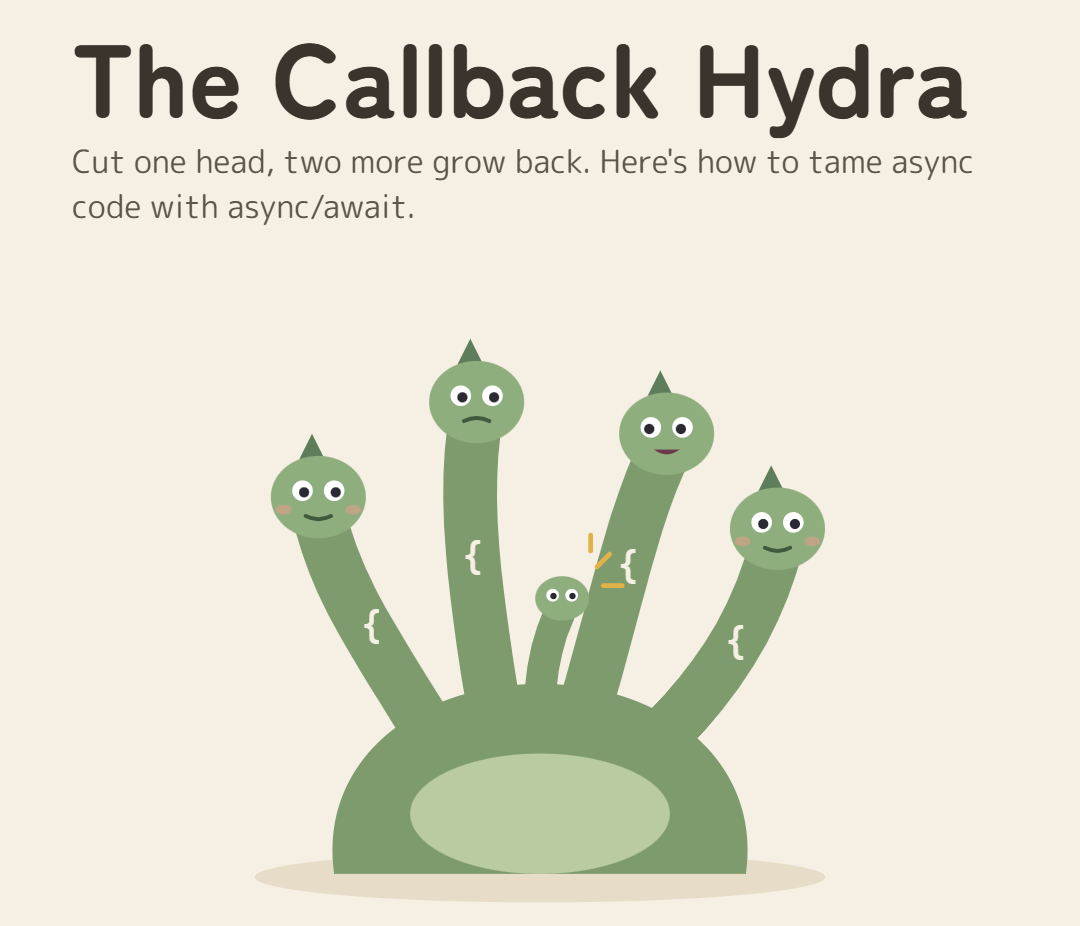
The Callback Hydra: taming nested callbacks with async/await
Cut one head and two more grow back. Here's how to flatten callback hell with Promises and async/await, and the three traps waiting on the other side.

Told by Raiden, with Kai asking the questions

Acharya Kōdo: Every async task starts small, Kai. Then it grows a head for every step.

Every JavaScript codebase has met the Callback Hydra. It starts as one harmless function that waits for something: a database query, a network request, a file read. Then a second step needs the result of the first, and a third needs the second. Before long your code is shaped like a sideways pyramid, every error check is copy-pasted four times, and nobody wants to add step five.
This post walks through how the Hydra grows, why cutting off heads one at a time never works, and how to flatten it for good with Promises and async/await. Then we'll look at the three traps waiting on the other side.
The Hydra appears
Here's a real-world task: fetch a user, then their orders, then the invoice for the latest order, then email it. Four steps, and each one depends on the result of the one before. With classic error-first callbacks, it looks like this:
getUser(id, (err, user) => {
    if (err) return handleError(err);
    getOrders(user, (err, orders) => {
        if (err) return handleError(err);
        getInvoice(orders[0], (err, invoice) => {
            if (err) return handleError(err);
            sendEmail(invoice, (err) => {
                if (err) return handleError(err);
                console.log('Invoice sent');
            });
        });
    });
});
KaiIt works, though. And if we need a fifth step, I'll just nest another callback.
That instinct is exactly how the Hydra grows. Every new step becomes a new head, and every head brings its own problems.
Why every head makes it worse
- It reads sideways. Each step pushes the logic one level further right. The order of operations is top to bottom, but you have to read it diagonally. This shape even has a name: the pyramid of doom.
- Errors hide at every level. Every callback needs its own
if (err)check. Forget one, and a failure disappears silently. There's no single place to catch everything. - Every change grows a head. Adding a step, adding a retry, or running two steps at once means restructuring the nesting. The code fights every change.

RaidenEven I can't follow this storm, and I'm the one firing the callbacks. Call the Acharya.
Acharya Kōdo: Don't cut the heads one by one, Kai. Flatten the beast. It takes three steps.
Step 1: Turn each callback into a Promise
A Promise is an object that represents a value that isn't ready yet. Instead of passing a callback into a function, the function hands you a Promise back, and you decide what to do with it. That one change is what makes flattening possible.
Most modern APIs already return Promises: fetch, fs/promises, and nearly every database client. For older callback APIs, wrap them once:
// Wrap a callback API by hand
function getUserAsync(id)  {
  return new Promise((resolve, reject) =>  {
    getUser(id, (err, user) => (err ? reject(err) : resolve(user)));
  });
}
// In Node, util.promisify does the same for any (err, result) callback
import  {promisify} from 'node:util';
const getOrdersAsync = promisify(getOrders);
const getInvoiceAsync = promisify(getInvoice);
const sendEmailAsync = promisify(sendEmail);
You write this wrapper once, in one file, and never think about callbacks again.
Step 2: Chain instead of nest
Because each step now returns a Promise, you can return it from .then() and the next .then() waits for it. The steps line up vertically, and a single .catch() at the end handles a failure from any of them.
getUserAsync(id)
.then((user) => getOrdersAsync(user))
.then((orders) => getInvoiceAsync(orders[0]))
.then((invoice) => sendEmailAsync(invoice))
.then(() => console.log('Invoice sent'))
.catch(handleError);
KaiOkay, that's already flat. Why do we need a third step?
Chains are a big improvement, but they get awkward when a later step needs a value from an earlier one (say, the user again when sending the email). You end up passing values down the chain or nesting again. The final step fixes that.
Step 3: await, top to bottom
Inside an async function, await pauses that function until a Promise settles, then hands you its value. Every result is an ordinary variable that stays in scope, and one try/catch guards every step:
async function notifyCustomer(id)  {
  try  {
    const user = await getUserAsync(id);
    const orders = await getOrdersAsync(user);
    const invoice = await getInvoiceAsync(orders[0]);
    await sendEmailAsync(invoice);
    console.log('Invoice sent');
  } catch (err)  {
    handleError(err);
  }
}
Same four steps as the Hydra. No nesting, no repeated error checks, and adding a fifth step is one more line. It reads exactly the way it runs: top to bottom.
One thing worth knowing: await only pauses this function. It doesn't block the browser or the Node process. While notifyCustomer waits for the database, the event loop keeps handling clicks, requests and timers.
RaidenThat's the same work I was doing before. Now you can actually read it.
Three traps on the other side
async/await makes asynchronous code look synchronous. That's its strength, and also where the new bugs come from.
1. forEach doesn't wait
forEach ignores the Promises its callback returns, so the loop finishes immediately and "done" logs before a single email is sent. Use for...of to go one at a time, or Promise.all to go all at once.
// Doesn't wait: logs "done" before any email is sent
invoices.forEach(async (invoice) => {
  await sendEmailAsync(invoice);
});
console.log('done');
// One at a time, in order
for (const invoice of invoices)
{
  await sendEmailAsync(invoice);
}
// All at once, and wait for every one to finish
await Promise.all(invoices.map((invoice) => sendEmailAsync(invoice)));
2. Awaiting things that don't depend on each other
Our four steps had to run in order, because each needed the previous result. But if two calls are independent, awaiting them one after another doubles the wait for no reason. Start them together:
// Instead of two waits in a row:
// const user = await getUserAsync(id);
// const settings = await getSettingsAsync(id);
// start both at once and wait for both:
const [user, settings] = await Promise.all([
getUserAsync(id),
getSettingsAsync(id),
]);
3. Forgetting await
Leave out await and you don't get an error. You get a Promise where you expected a value, and the bug shows up somewhere else entirely. A rejected Promise that's never awaited also escapes your try/catch.
async function getTotal(id)  {
  const invoice = getInvoiceAsync(id);
  // forgot
  await return invoice.total;
  // undefined: invoice is a Promise
}
Linters catch most of these. In TypeScript projects, the @typescript-eslint/no-floating-promises rule flags Promises you forgot to await.

KaiFour heads, one function, one try/catch. The Hydra's asleep.
Acharya's Rule #1Await, don't nest. Async code should read top to bottom, like a story. If it starts drifting right, a Hydra is growing.
Frequently asked questions
What is callback hell in JavaScript?
Callback hell is when asynchronous steps are nested inside each other’s callbacks, so the code drifts right into a “pyramid of doom”. It’s hard to read, every level needs its own error check, and adding a step means more nesting.
Is async/await better than .then() chains?
Both use Promises underneath, so they behave the same. async/await is usually easier to read, especially when later steps need values from earlier ones, and one try/catch handles errors from every step. .then() chains are still fine for short pipelines.
How do I convert a callback function into a Promise?
Wrap it in new Promise((resolve, reject) => …) and call reject on an error and resolve with the result. In Node.js, util.promisify does this automatically for any function that uses an (err, result) callback.
Does await block the browser or the Node.js process?
No. await pauses only the async function it’s in. The event loop keeps running, so clicks, timers and other requests are still handled while it waits.