
The Lost Focus: why keyboard users get lost every time your single-page app changes page
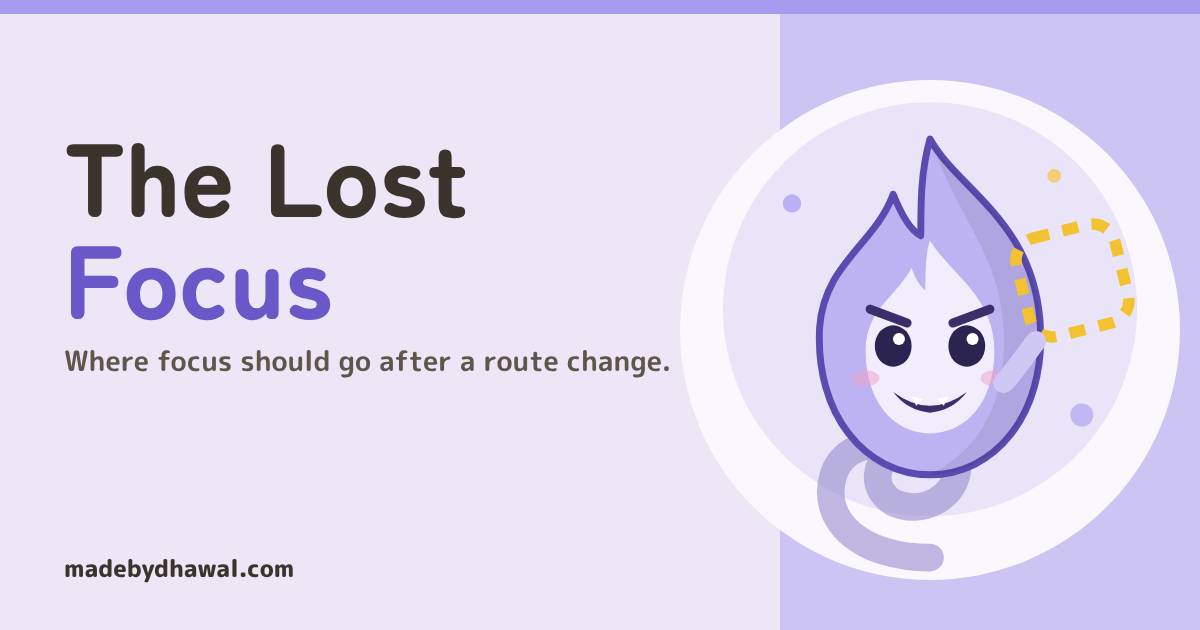
Your single-page app changes page and keyboard focus quietly falls to the body. Sanjaya, Domlok's Ether guide who travels by sound, chases the Lost Wisp and moves focus on purpose: to the new heading, the next row and back to the opener.

Told by Sanjaya, with Kai asking the questions
Sanjaya: A traveller pressed Next chapter, Kai. The page changed, and their place in it vanished. I heard nothing at all.
When a single-page app swaps its content without a full reload, the link or button that had focus is usually removed with the old content, and focus falls back to the <body>. Keyboard and screen reader users lose their place and hear nothing. The fix is to move focus on purpose: to the new page’s heading after a route change, to the next row after a delete, and back to the opener when a modal or drawer closes.
In the world of Domlok this is the work of the Lost Wisp, a hitodama that drifts through pages at night and carries off the focus ring of anything that gets removed. It throws no error and breaks no test. The page looks perfect. Only the people who navigate by keyboard or by ear notice that the click seems to have done nothing.
Your guide for this episode is Sanjaya, the Ether guide of Domlok and the narrator of every episode. His eyes are closed, so he travels the realm the way a screen reader user does: by sound, one focused element at a time. That makes him the one guardian who hears the moment focus goes missing. Kai built the scroll library’s fast single-page links, and Kai is the one who let the Wisp in.
The Wisp takes the focus
Kai’s library doesn’t reload the page between chapters. His links push a new URL and swap the content of <main>:
link.addEventListener('click', (e) => {
e.preventDefault();
history.pushState({}, '', link.href);
main.replaceChildren(render(link.pathname));
});
KaiNo reload, no flash. It’s so fast!
It is fast. Now follow someone who uses the keyboard:
- They Tab to Next chapter and press Enter. The link has focus.
- The content is replaced. The link lived inside the old content, so it is removed from the page, and the browser has nothing left to keep focused.
- Focus falls back to the body.
document.activeElementis now<body>. A screen reader announces nothing, because nothing new received focus. - They press Tab again. Where that lands depends on the browser. Sometimes it is the top of the page, back through the logo and the navigation. Nobody chose it.
SanjayaA full page load starts every traveller at the top and the screen reader reads the new title. A single-page app skips that, so it has to say where they are by itself.
The fix: land on the new heading
After the new content renders, update the document title and move focus to the new page’s main heading. A heading isn’t focusable on its own, so give it tabindex="-1": it stays out of the Tab order, but script can now focus it.
function go(path) {
history.pushState({}, '', path);
main.replaceChildren(render(path));
document.title = titles[path];
const h1 = main.querySelector('h1');
h1.tabIndex = -1; // focusable by script only
h1.focus();
}
Now a screen reader says something like “Chapter 2, heading, level 1”, and the next Tab starts inside the new chapter instead of wherever the browser guessed. When Gatsby tested client-side routing techniques with disabled users, moving focus to a heading was one of the clearest options. Their updated advice also suggests a small skip link that takes focus on a route change, plus a live region that announces the new page. Any of these is better than leaving focus on the body.
The heading isn’t interactive, so you can hide its outline without hiding anything a user can operate. Keep visible focus styles on every link, button and field.
h1[tabindex="-1"]:focus { outline: none; }
KaiSo the next Tab starts right inside the new chapter!
The same move in React
In React you don’t call a render function yourself, so let the part that stays on screen watch the URL. With React Router that is the layout around <Outlet />:
function Layout() {
const {
pathname
} = useLocation();
const prev = useRef(pathname);
useEffect(() => { // skip the first load and unchanged paths
if (prev.current === pathname) return;
prev.current = pathname;
document.querySelector('main h1')?.focus();
}, [pathname]);
return <main><Outlet /></main>;
}- Put it in the layout, not the page. A page component usually mounts fresh on each route, so a “previous path” ref inside it never sees a change.
- Skip the first load. On a fresh page load the browser already starts at the top. Comparing with the previous path also keeps React’s Strict Mode double-run in development from moving focus.
- Wait for the content. If the new route shows a loading state first, focus the heading once the real content has rendered, not the spinner.
KaiSome routers announce the new page title for me. Isn’t that enough?
SanjayaAn announcement tells them where they are. Only focus tells their keyboard where to go next. Check what your router does, then move focus yourself if it doesn’t.
Same Wisp, no route change: the button that deletes itself
Kai’s bookmark list has a Remove button on every row. Press one and the row disappears, along with the button that had focus. Focus falls to the body again, without any navigation at all. Remember the position, then focus the row that took its place:
function remove(i) {
items.splice(i, 1);
renderList();
const btns = list.querySelectorAll('.remove');
const next = btns[i] ?? btns[i - 1]; // listHeading has tabindex="-1"
(next ?? listHeading).focus();
}
If the list is now empty, focus its heading (or the button that adds a new item), so nobody is left in the dark.
Modals and drawers: open, hold, give back
Anything that opens on top of the page needs three moves: focus goes in when it opens, stays in while it is open, and comes back to the control that opened it when it closes.
A <dialog> opened with showModal() does all three, as Vishwa showed in Episode 12: the browser focuses the first focusable element inside (or the one with autofocus), makes the rest of the page inert, and when the dialog closes the HTML spec restores focus to the element that was focused before it opened.
For a custom drawer or panel that isn’t a dialog, do the same yourself. The inert attribute is the focus trap done right: the page behind simply can’t receive focus or input, so there is no keydown handler that catches Tab and loops it, and nothing to break when the panel grows a new control.
let opener;
function openDrawer() {
opener = document.activeElement;
drawer.hidden = false;
page.inert = true; // all but the drawer
drawer.querySelector('input').focus();
}
function closeDrawer() {
drawer.hidden = true;
page.inert = false;
opener?.focus();
}
Here page is a wrapper around everything except the drawer, so the drawer must not sit inside it. Close the drawer on Escape too.
| What just happened | Move focus to |
|---|---|
| Client-side route change | The new page’s h1 (with tabindex="-1"), or a skip link |
| The focused row or item was removed | The next item’s control, else the previous one, else the list heading |
A modal <dialog> opened or closed |
Nothing to do: showModal() moves it in and closing returns it |
| A custom drawer or menu opened | Its first control, with the rest of the page inert |
| That drawer or menu closed | The button that opened it |
| A form submit failed | The error summary (with tabindex="-1") or the first invalid field |
Catch the Wisp in DevTools
1. Watch the focused element. In Chrome DevTools, open the Console, click the eye icon (Create live expression) and type:
document.activeElementIt updates as you move. Press Enter on a link that changes the route. Before the fix it shows body; after it, the new page’s h1.
2. Do one round with only the keyboard. Put the mouse away. Change a page, remove an item, open and close every modal and drawer. After each one, the live expression should name a sensible element, never body. If you can, repeat the round with a screen reader (VoiceOver on macOS, NVDA on Windows) and listen for what is announced.
KaiBody, body, body… and now the heading. I caught the Wisp!
Before you merge anything that removes or replaces content
- If this code removes the element that has focus, where does focus go next, and did you choose it?
- Does every client-side route change update
document.titleand focus the new heading (or a skip link)? - Do modals use
<dialog>withshowModal(), and do custom drawers useinertand return focus to their opener? - Does the
document.activeElementlive expression stay offbodythrough one keyboard-only round?
Acharya's Rule #14Never let focus fall to the body. Move it on purpose.

Next episode: The Lazy Lantern. Why your page downloads images nobody has scrolled to yet, and how loading="lazy" and IntersectionObserver wait until they are needed.
Think you can find the focus yourself? Play Catch the Lost Wisp on domlok.in and earn seal 14.
Watch the full episode and the Short on YouTube at @dom-lok and save the carousel on Instagram at @mbd.domlok.
Further reading
- Gatsby: What we learned from user testing of accessible client-side routing techniques
- MDN: tabindex
- MDN: HTMLElement.inert
- MDN: The dialog element and the HTML spec’s dialog close steps
- Chrome DevTools: Track element focus