
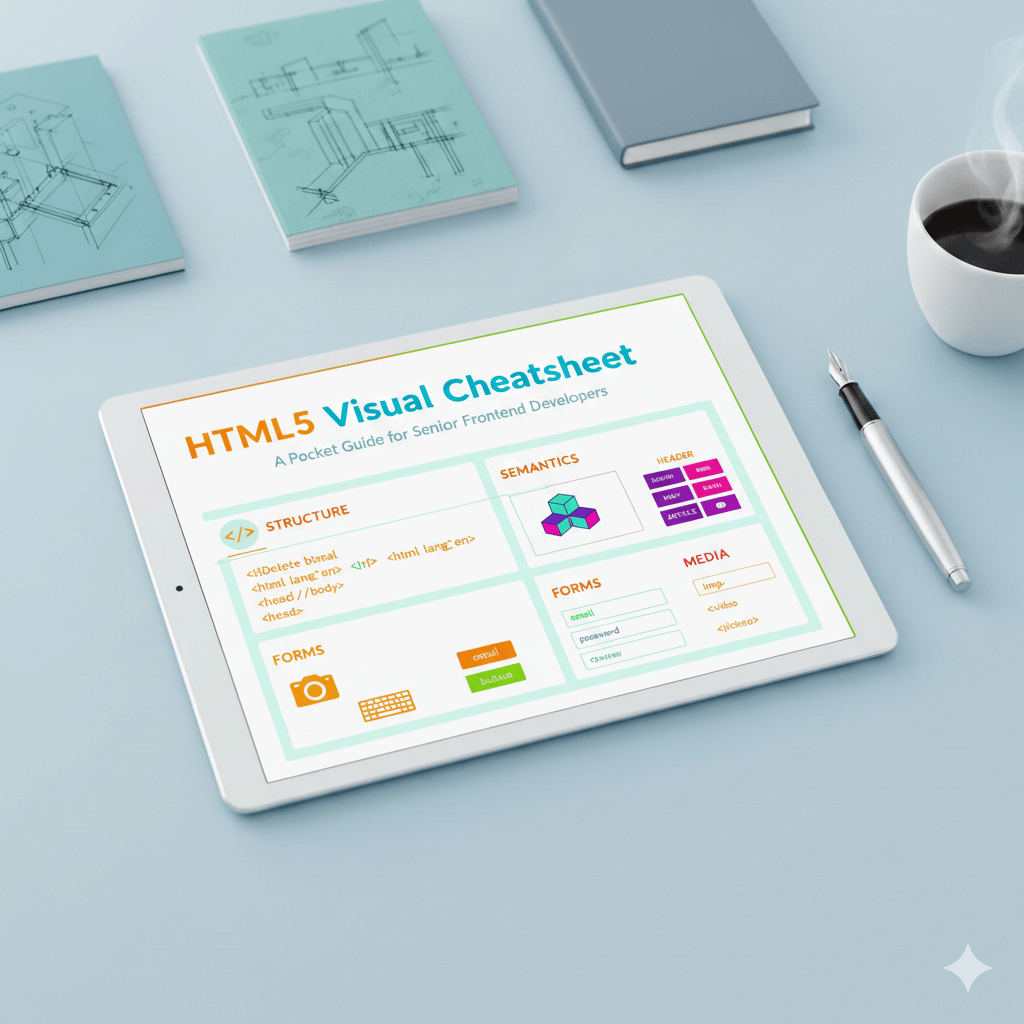
HTML5 Visual Cheatsheet: A Pocket Guide for Senior Frontend Developers
Semantic-first cheatsheet designed to help modern architects build accessible, high-performance web structures with ease.

Told by Vishwa
The Root Document Structure
Every professional project starts with a clean boilerplate to ensure consistent rendering across browsers.
-
<!DOCTYPE html>: Declares the document as HTML5. -
<html lang="en">: Essential for screen readers and localization. -
<head>: Contains metadata, title, and links to assets. -
<title>: The text shown in the browser tab. -
<meta>: Character set, viewport(for mobile responsive), and SEO keywords. -
<body>: The visible content of the page.
Semantic Layout Elements
Stop the "div-itis." Use these to define the document's structure for search engines and assistive technologies.
| Tag | Best Use Case |
<header> |
Site branding, navigation, or introductory section content. |
<nav> |
Main site navigation or a table of contents. |
<main> |
The unique primary content of the body. Only one per page. |
<article> |
Independent, reusable content (Blog posts, cards, news). |
<section> |
Groups related content together (usually with a heading). |
<aside> |
Indirectly related content (sidebars, callouts). |
<footer> |
Copyright, contact info, or secondary links. |
Essential Text & Data
-
Headings:
<h1>(Main Title) through<h6>. -
Lists:
<ul>(unordered),<ol>(ordered), and<li>(item). -
Descriptions:
<dl>(list),<dt>(term), and<dd>(description). -
Links:
<a href="URL" target="_blank" rel="noopener">(Userelfor security). -
Table:
<table>,<tr>(row),<td>(cell), and<th>(header cell).
Interactive Forms
Modern forms rely on specific types to trigger the correct mobile keyboards and validation.
-
Form:
<form>The container for all input elements. -
Inputs:
<input type="...">(e.g.,email,tel,number,range,color). -
Labels:
<label for="id">(Crucial for clicking/accessibility). -
Textarea:
<textarea>For multi-line text input. -
Select:
<select>Dropdown menus. -
Buttons:
<button type="submit">vs<button type="button">. -
Grouping:
<fieldset>to group inputs with a<legend>title.
Media & Embedded Assets
-
Images:
<img src="..." alt="Description" loading="lazy">. -
Figures:
<figure>wraps media,<figcaption>provides the label. -
Video/Audio:
<video controls>/<audio controls>. -
Responsive:
<picture>with<source>tags for different screen sizes.
Essential Global Attributes
-
class: For styling multiple elements with CSS.
-
id: A unique identifier for one specific elememt.
-
style: Inline CSS (not recommended for large projects).
-
title: Extra info shown on hover (tooltip).
- hidden: Hides the element from the page.
Conclusion
The hallmark of a senior frontend isn't knowing every obscure tag, but knowing how to use Semantic HTML to create a meaningful document outline. By prioritizing tags like<main>, <nav>, and <article> over generic <div> containers, you improve SEO, make your CSS more predictable, and ensure your site is usable by everyone.