
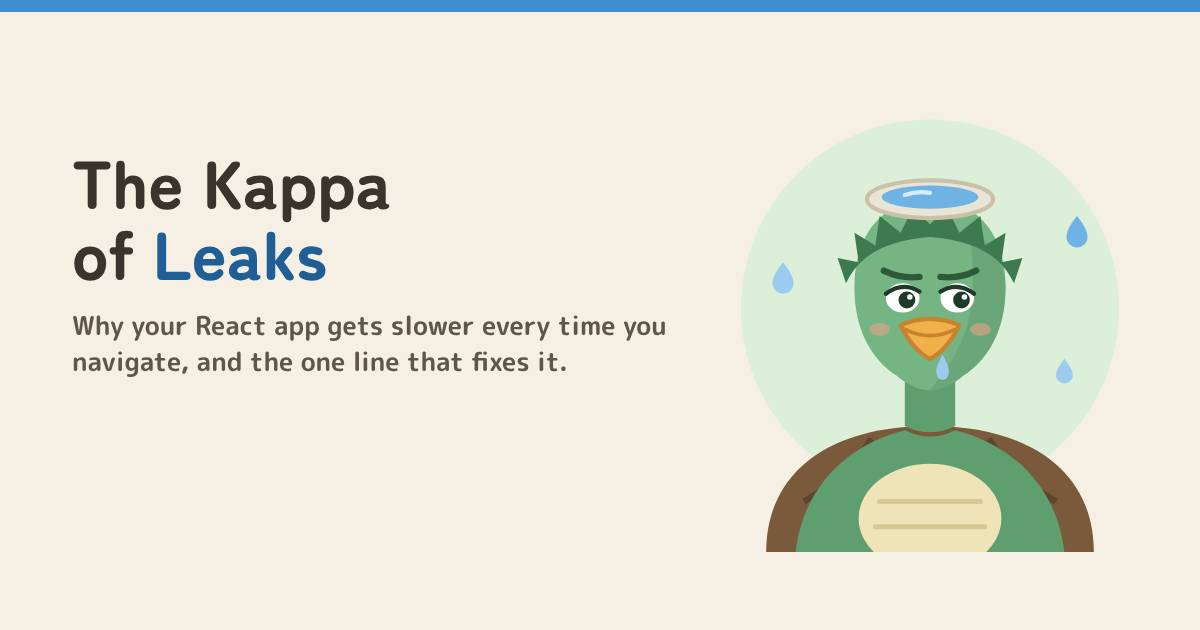
The Kappa of Leaks: why your React app gets slower every time you navigate
Every page visit adds an event listener and none of them leave. Meet the Kappa of Leaks, and the one-line useEffect cleanup that stops your React app getting slower with every navigation.

Told by Chitragupta, with Kai asking the questions
Chitragupta: Every time you open a page, Kai, I write a line in my ledger. Every time you leave, someone is supposed to erase it. Nobody has.

The Kappa moves in
Kai's search page needs to know the window width so it can switch between one and three result columns. He listens forresize on window inside an effect:
function SearchPage() {
const [width, setWidth] = useState(window.innerWidth);
const onResize = () => setWidth(window.innerWidth);
useEffect(() => {
window.addEventListener("resize", onResize); // no cleanup
}, []);
}
KaiIt works though. Resize the window and the columns change. Ship it?
- Visit Search: React mounts
SearchPage, the effect runs, and oneresizelistener is attached towindow. - Go to Home:
SearchPageunmounts. React removes its DOM, but nobody tellswindowto drop the listener. - Come back to Search: a new
SearchPagemounts and attaches a second listener. - Ten visits later:
windowholds ten listeners. Nine of them belong to pages that no longer exist.
ChitraguptaThe window lives as long as the tab is open, so everything it holds on to stays alive too. Each listener is a closure over its own component's state. Ten listeners, ten old pages still in memory.
Why it hurts
One forgotten listener is tiny. The problem is that it multiplies with every navigation.- Wasted work. Every resize now runs ten handlers instead of one, and
resizefires many times per second while someone drags the window. - Memory that never comes back. Each stale handler keeps its old component's state reachable, so the garbage collector can't free it. In a real app that state is often a long list of results or a chart's data.
- Ghost behaviour. Handlers that do more than set state (send analytics, call an API, touch a DOM node) keep doing it for pages the user already left. Since React 18, a
setStateon an unmounted component is silently ignored, so you get no warning.
KaiSo that's why it gets slower the longer I use it.
The fix: undo it on the way out
AuseEffect can return a function. React calls it when the component unmounts, and before the effect runs again. Whatever the effect started, stop it there.
Option 1: return a cleanup
useEffect(() => {
const onResize = () => setWidth(window.innerWidth);
window.addEventListener("resize", onResize);
return () => window.removeEventListener("resize", onResize);
}, []);
removeEventListener only works if you pass the same function you added. Defining onResize inside the effect guarantees that. Writing removeEventListener('resize', () => setWidth(...)) creates a brand-new function and removes nothing.
Option 2: one AbortController for many listeners
useEffect(() => {
const controller = new AbortController();
const { signal } = controller;
window.addEventListener("resize", onResize, { signal });
window.addEventListener("scroll", onScroll, { signal });
document.addEventListener("keydown", onKey, { signal });
return () => controller.abort();
}, []);signal to addEventListener ties the listener to the controller. One abort() removes all of them, so you can't forget one, and you don't need to keep the handler references around.
With either fix, ten visits leave exactly one listener on window: the one for the page you're on.
Same Kappa, different ponds
Event listeners are the most common case, but anything an effect starts and keeps running needs the same treatment.| What you start | How you stop it in the cleanup |
|---|---|
addEventListener(type, fn) |
removeEventListener(type, fn) or controller.abort() |
setInterval(fn, ms) |
clearInterval(id) |
setTimeout(fn, ms) |
clearTimeout(id) |
new WebSocket(url) |
socket.close() |
new ResizeObserver(fn), IntersectionObserver |
observer.disconnect() |
fetch(url) |
pass { signal }, then controller.abort() |
store.subscribe(fn) (Redux, RxJS and others) |
call the unsubscribe function it returns |
Catch the Kappa in DevTools
1. Count the listeners. Open your app in Chrome, open DevTools and go to the Console tab.getEventListeners(window).resize?.length // switch pages 5-6 times, then run it again
getEventListeners is a DevTools console helper, so it only works in the console, not in your code.
2. Compare heap snapshots. In the Memory tab, take a heap snapshot, navigate back and forth several times, and take a second one. Switch to the Comparison view. Steady growth in your component's objects, or many Detached DOM elements, means something is still holding old pages.

KaiTen visits, one listener. The Kappa's gone!
Before you merge an effect
- Does this effect start anything that keeps running: a listener, timer, socket, observer, subscription or request?
- Does it return a cleanup that stops each of those?
- Does
removeEventListenerget the same function that was added, or is everything tied to oneAbortController? - After a few round trips between pages, does
getEventListeners(window)show the same count as before?
Next episode: The Frozen Echo. Why yourAcharya's Rule #7Whatever you subscribe to, you must unsubscribe from.

setInterval keeps logging a count of 0, and what stale closures have to do with it.
Watch the 34-second version on YouTube at @dom-lok and save the carousel on Instagram at @mbd.domlok.
Frequently asked questions
Why does my React app get slower every time I navigate?
A common cause is an effect that adds an event listener, timer or subscription when a component mounts but never removes it when the component unmounts. Each visit adds another one, so work and memory grow with every navigation.
How do I remove an event listener in useEffect?
Return a cleanup function from the effect that calls removeEventListener with the same event type and the same function you added. React runs the cleanup when the component unmounts and before the effect runs again.
Why doesn’t removeEventListener remove my listener?
It only removes a listener when you pass the exact same function reference that was added, with the same capture option. Passing a new inline arrow function creates a different function, so nothing is removed. Define the handler once, inside the effect, and use that name in both calls.
Can AbortController remove event listeners?
Yes. Pass { signal: controller.signal } as the third argument to addEventListener, then call controller.abort() in the cleanup. One abort removes every listener that was given that signal.
How can I check for an event listener leak in Chrome?
In the DevTools Console, run getEventListeners(window), switch pages a few times, and run it again. If the list for an event keeps growing, an effect is missing its cleanup. Heap snapshots in the Memory tab show what is being kept in memory.
 More from Vishwa in Frontend